Set Up Meta Ads Account
Follow these steps to set up and link your Meta Ads account.
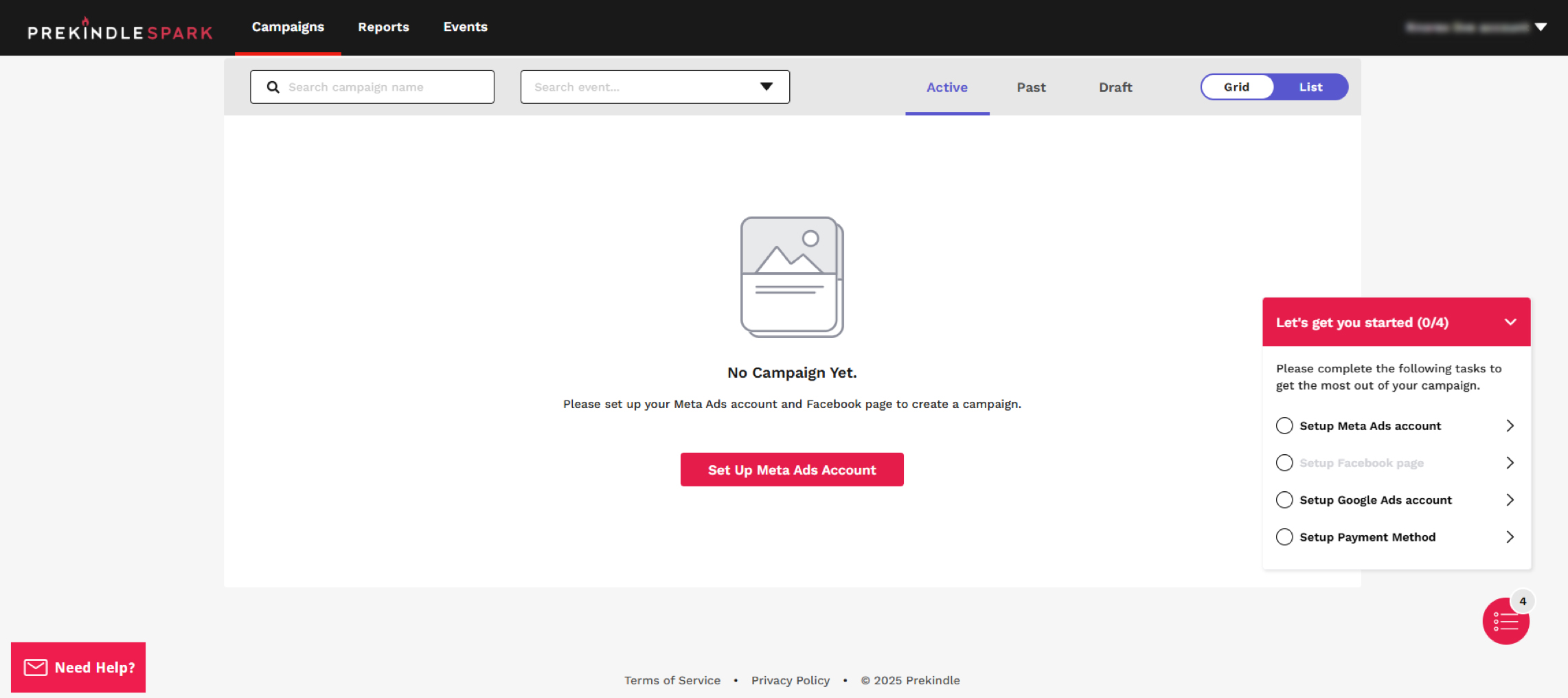
Step 1: Open Meta Ads Setup
Click on the Set Up Meta Ads Account option.
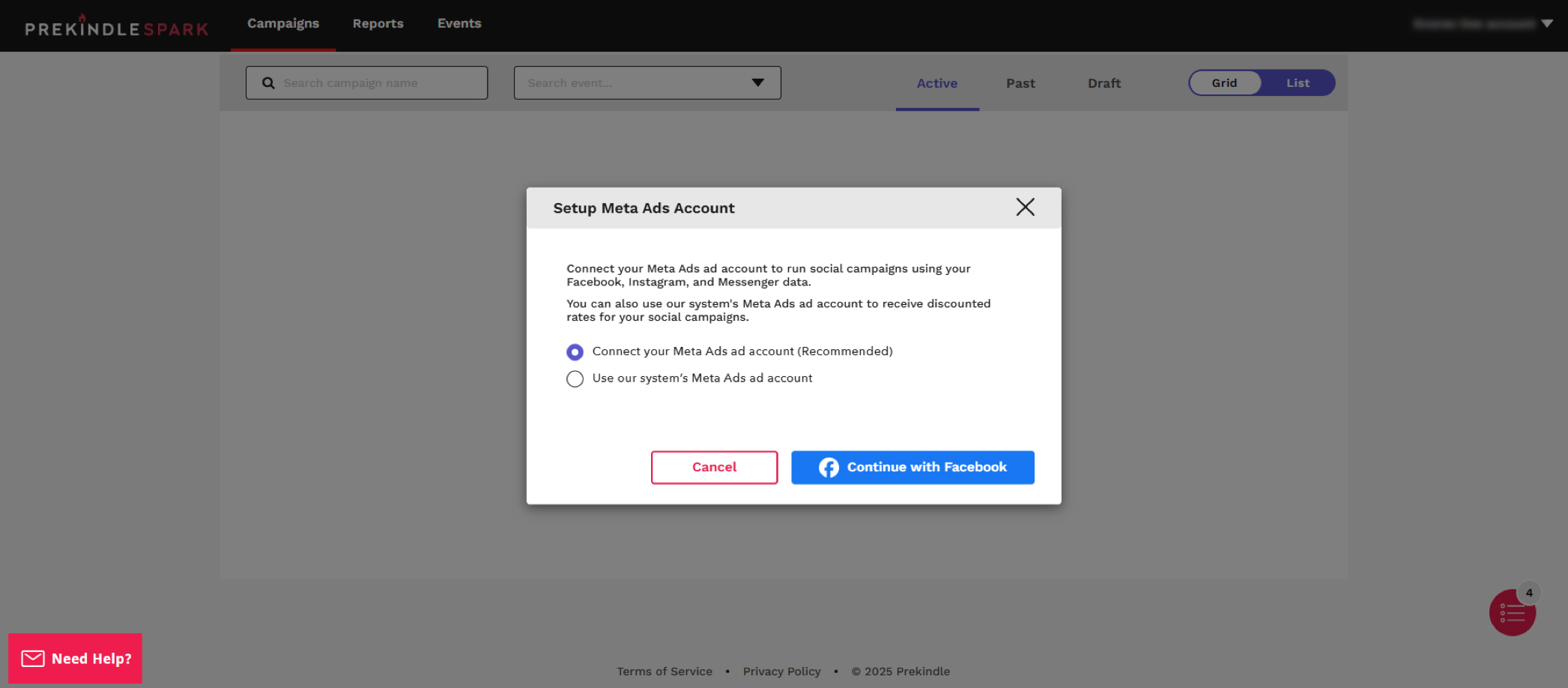
Step 2: Choose Account Type
Select either:
- Connect your Meta Ads account
- Use our system's Meta Ads ad account
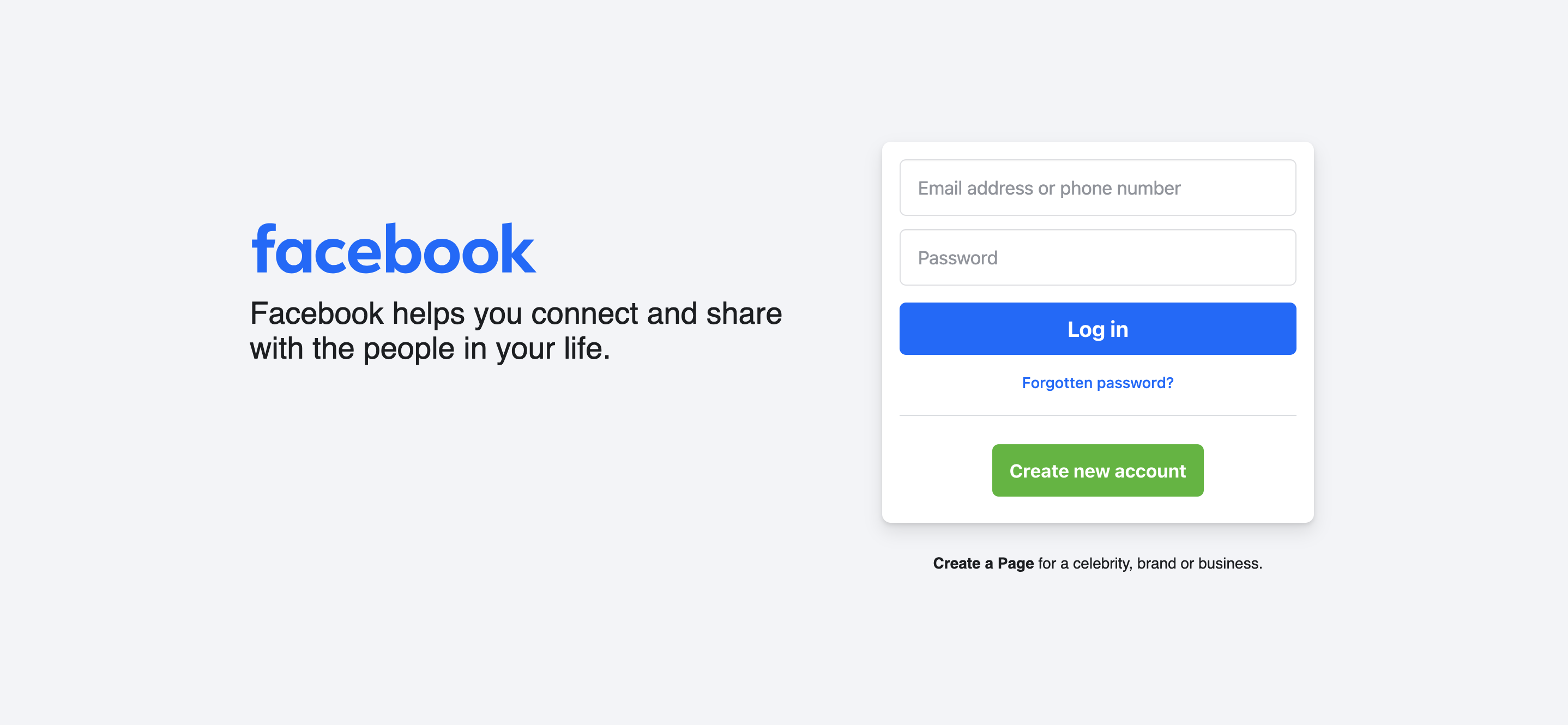
Step 3: Authenticate with Facebook
If you choose to connect your own account:
- Click Continue with Facebook.
- Complete the authentication process.
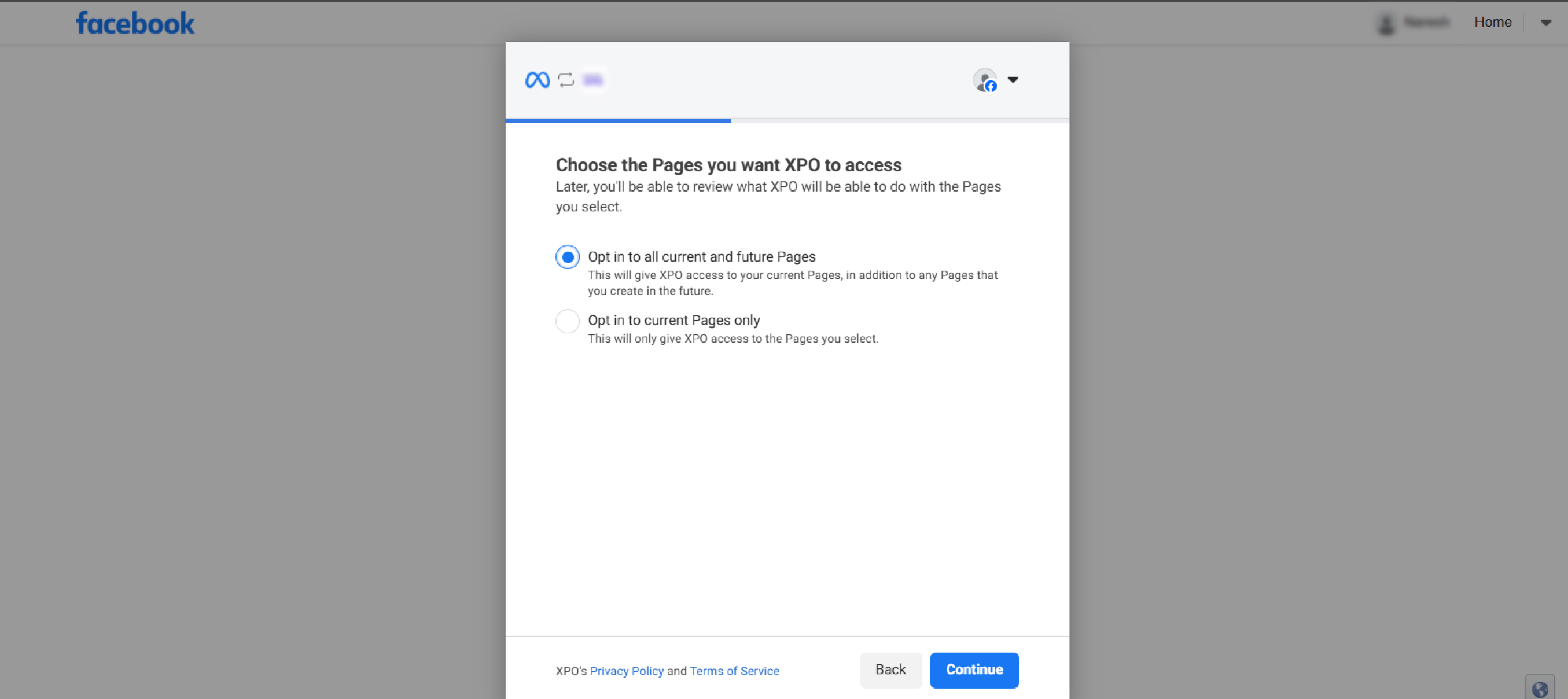
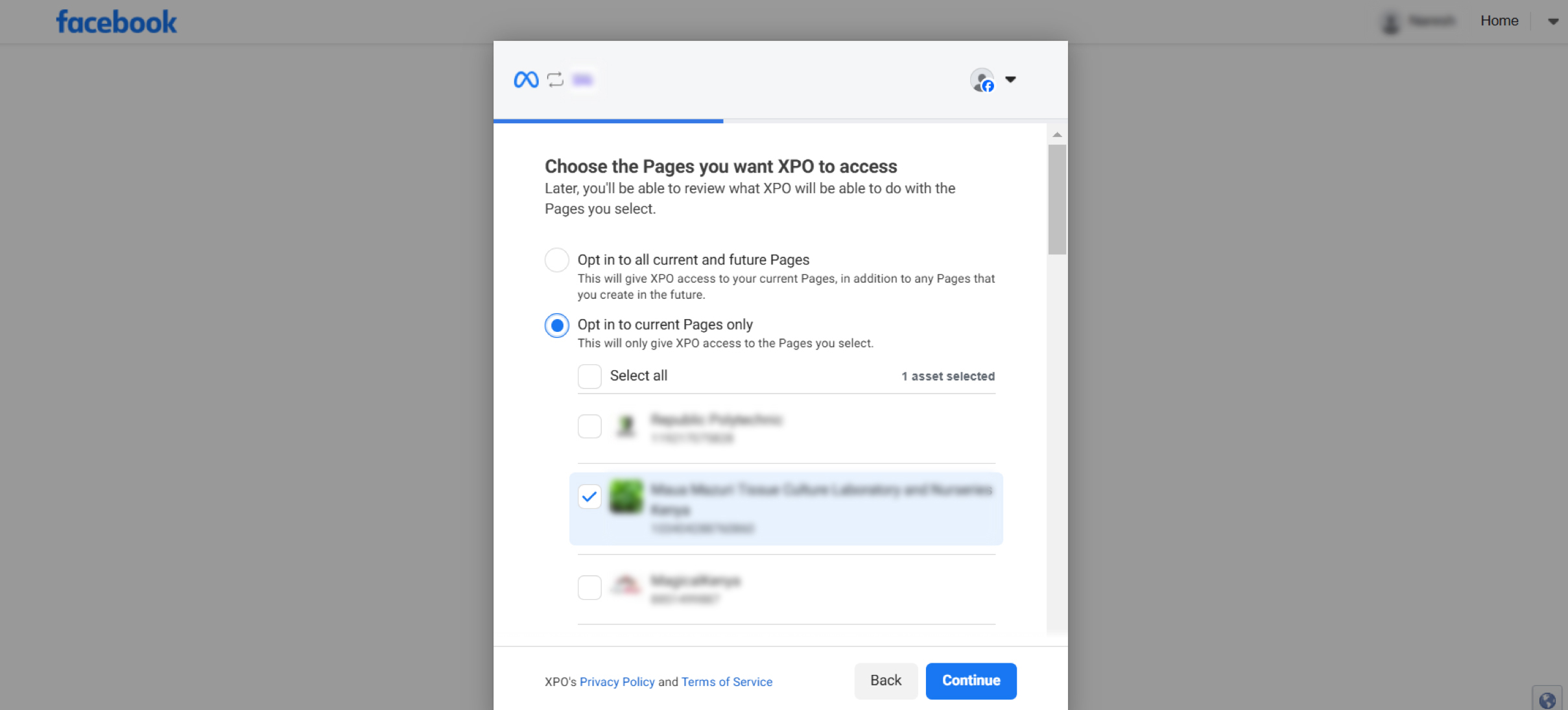
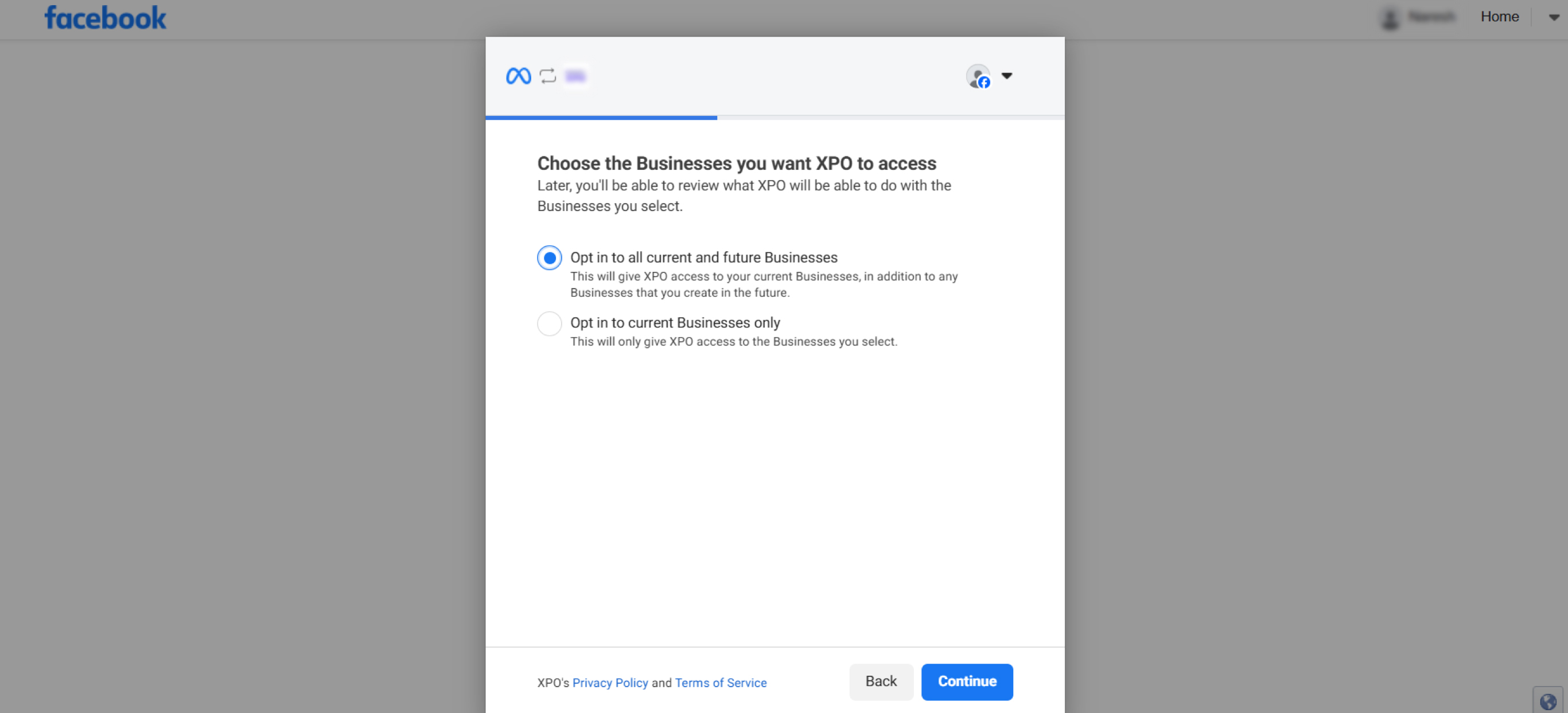
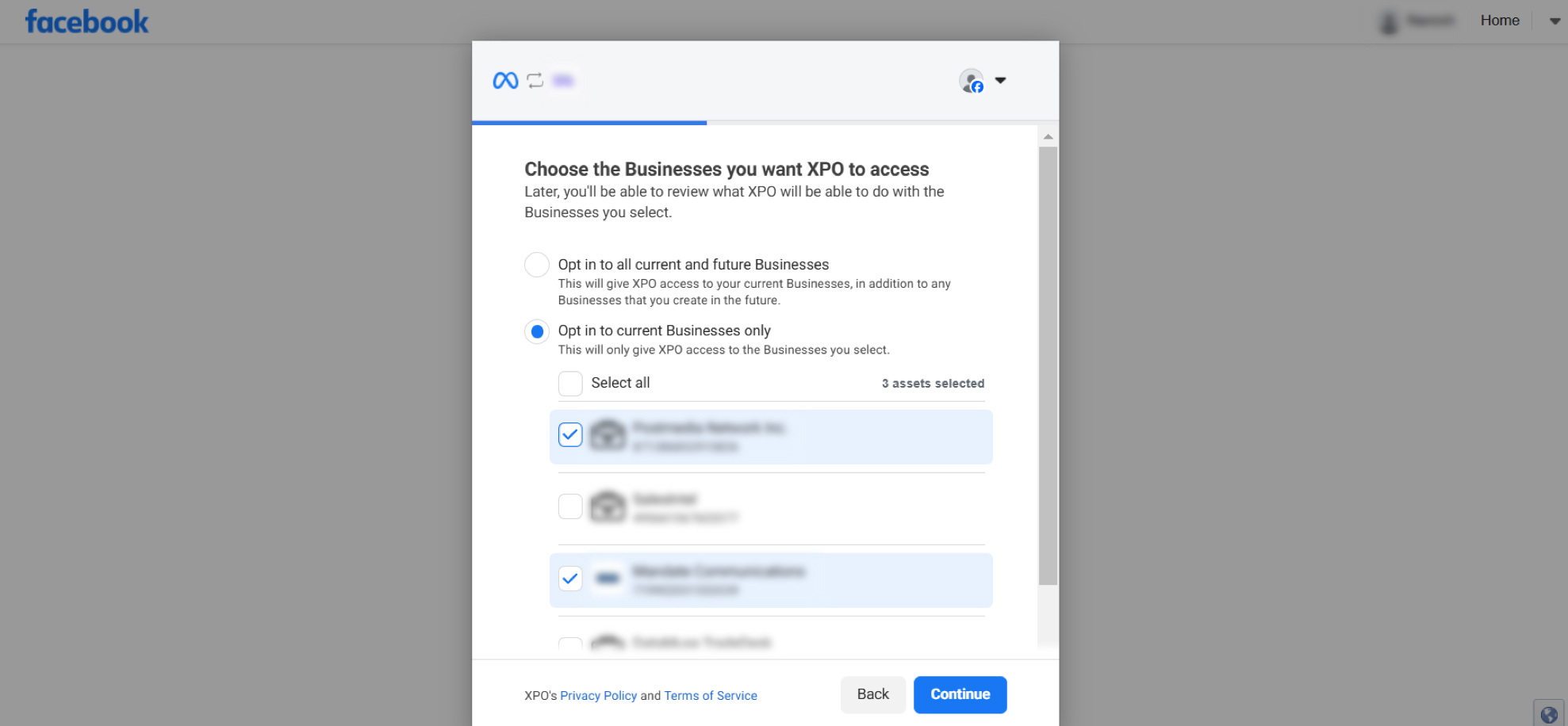
- Select the pages, businesses, and Instagram accounts as needed.
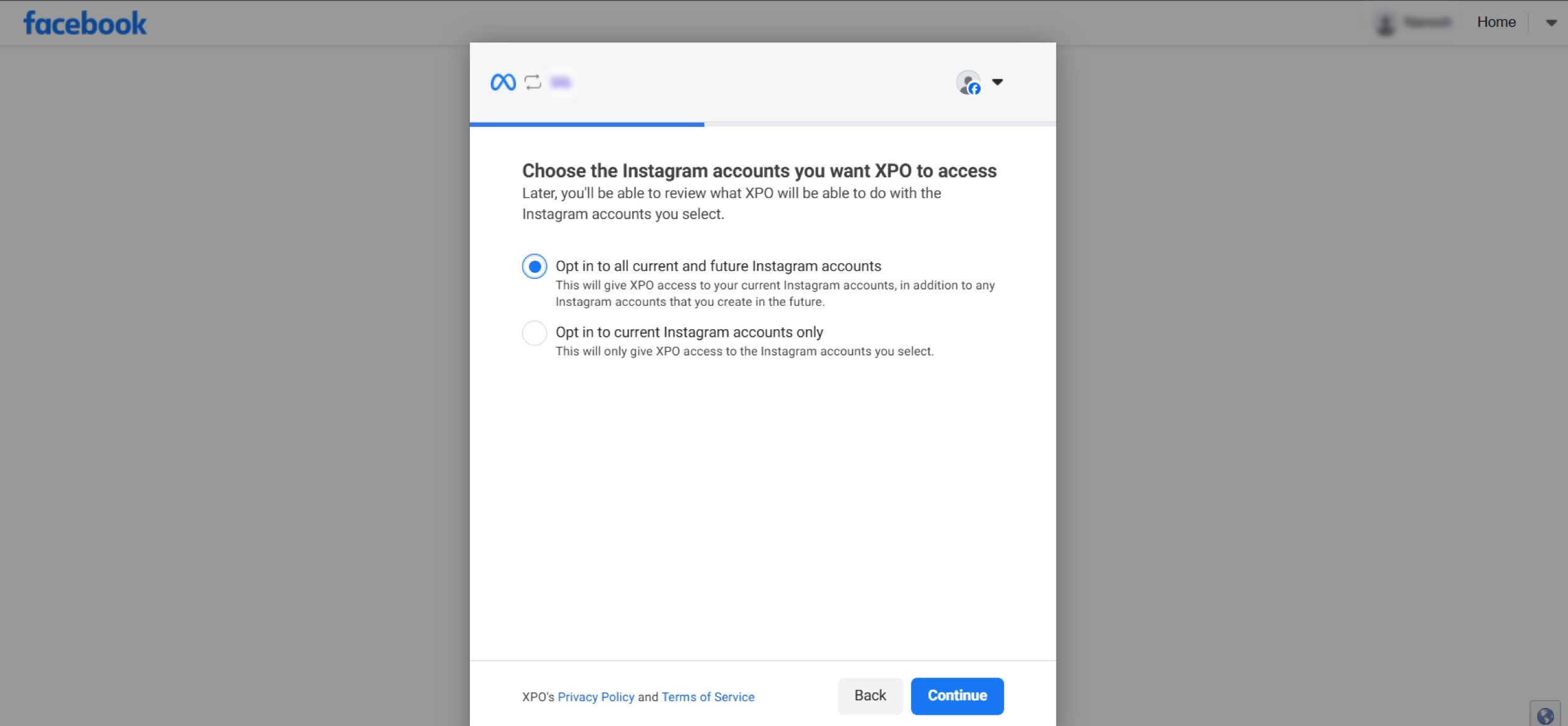
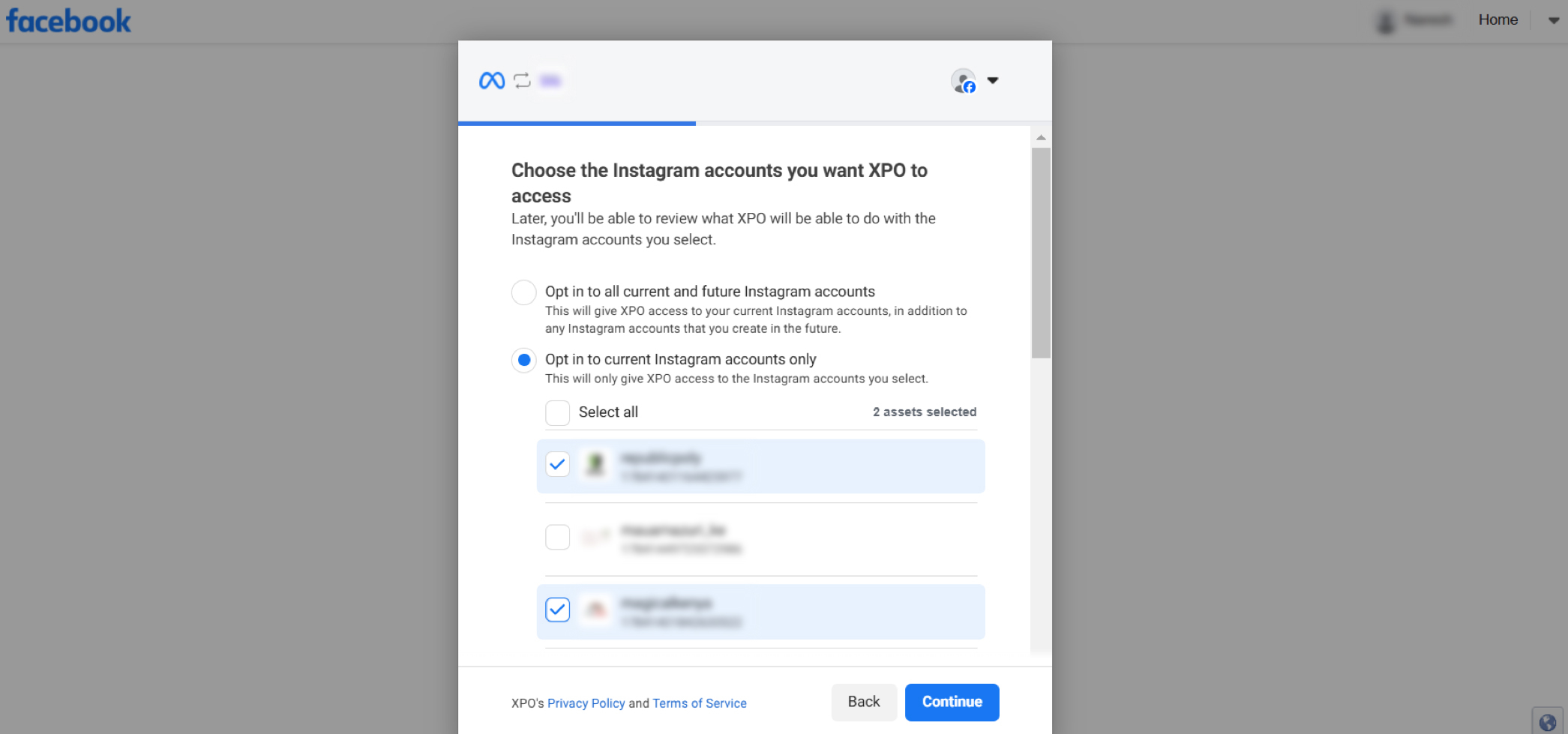
Step 4: Grant Access
Review the access request and click Save.


Step 5: Link Meta Ads Account
Select the Meta Ads account you want to link from the dropdown list.
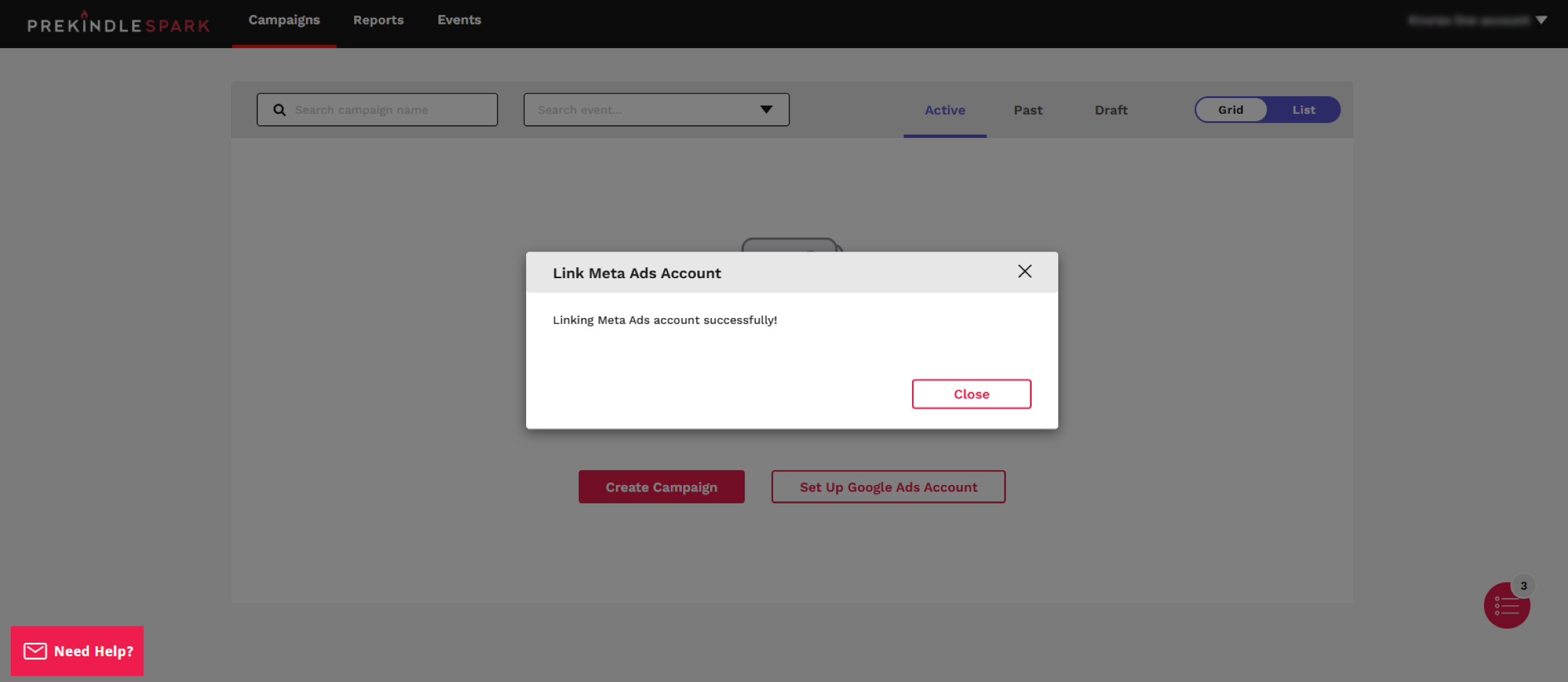
Meta Ads account linked successfully.